
Turn images into SVGs for the thing you are making
Each craft asks something different of a vector file. Pick yours for the settings, limits and checks that matter there. Every page has the converter built in, so you can try your own image without leaving it.
Cutting machines and stickers
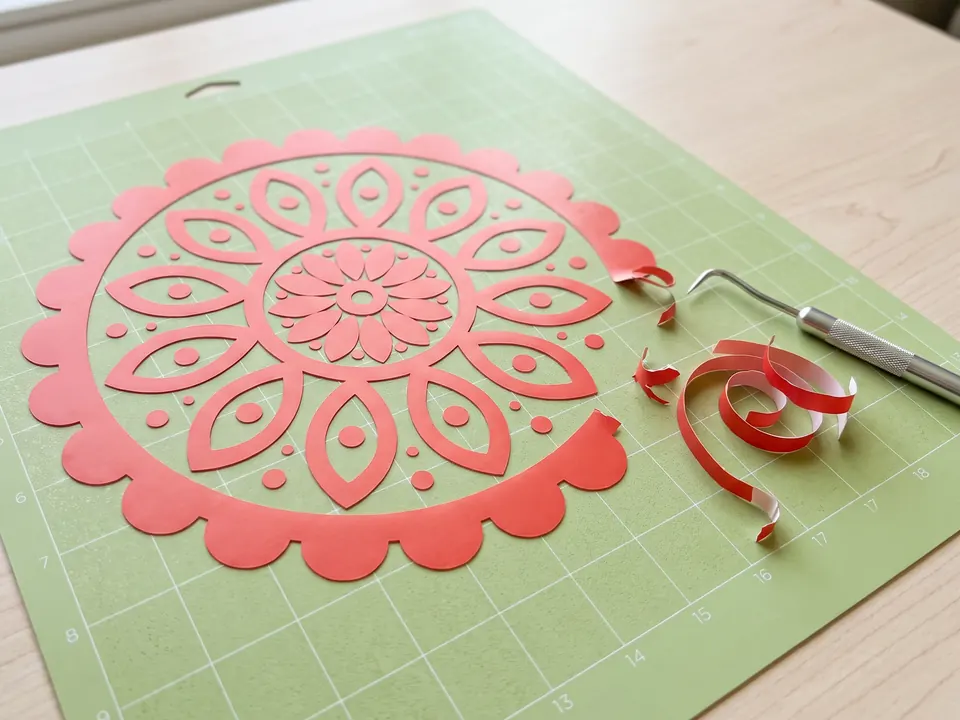
SVG for Cricut
Turn a PNG or JPG into a layered SVG for Cricut Design Space: solid-color shapes, smooth cut lines, and a free preview before you download.
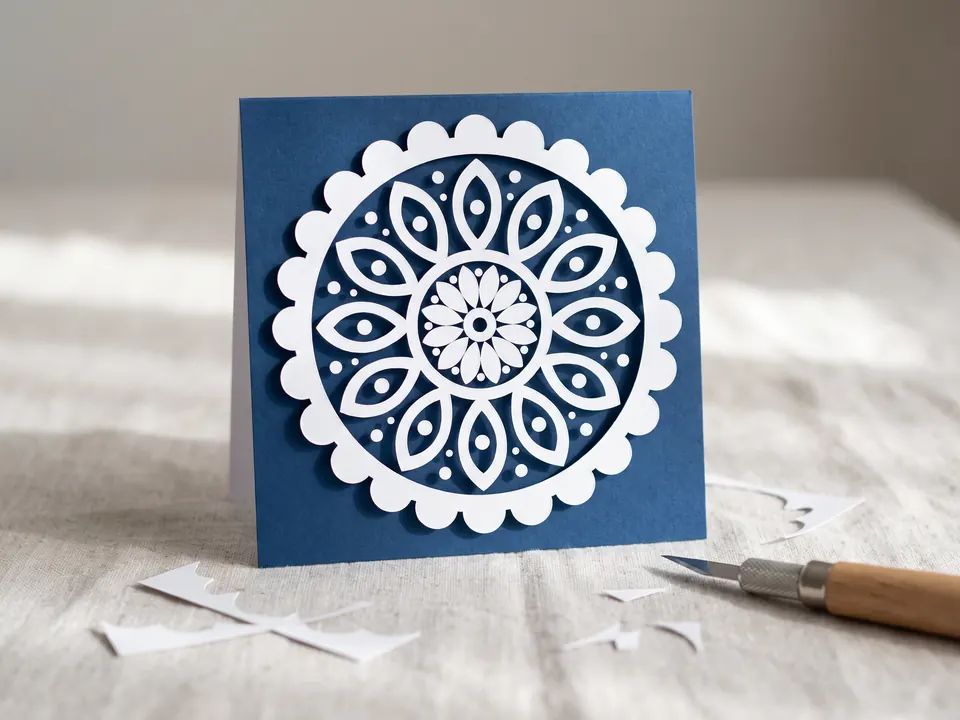
SVG for Silhouette
Convert a PNG or JPG into an SVG for Silhouette Studio: clean cut lines, editable colored shapes, and what to do if you have Basic Edition.
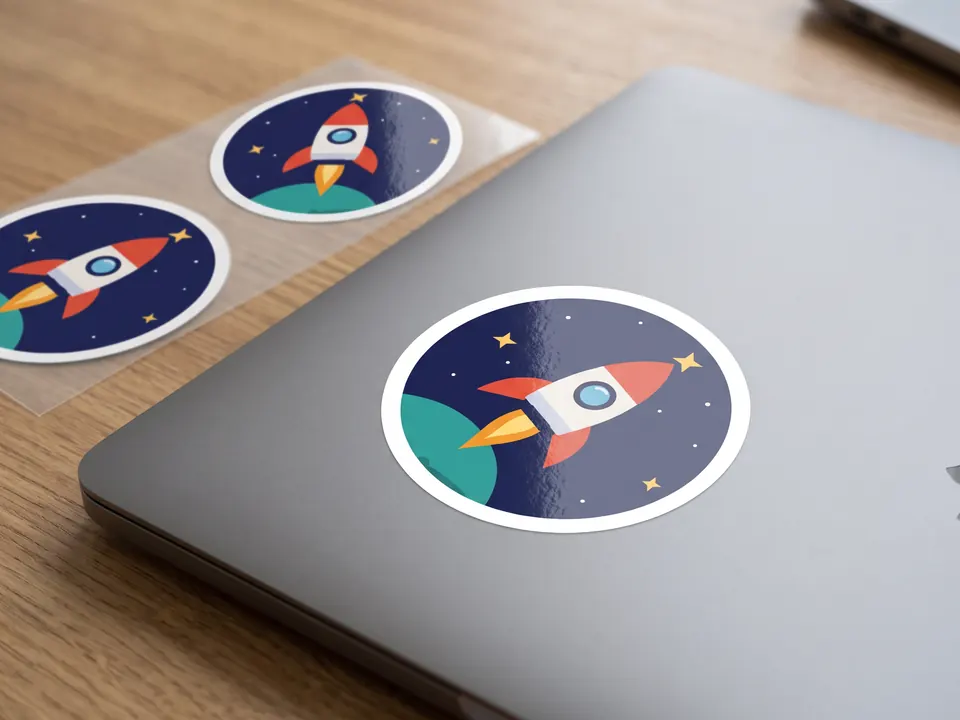
SVG for stickers
Turn a drawing, logo or AI image into a sharp SVG for stickers and vinyl decals. Print at any size, add a cut line, and preview before you download.
Lasers, routers and 3D printers
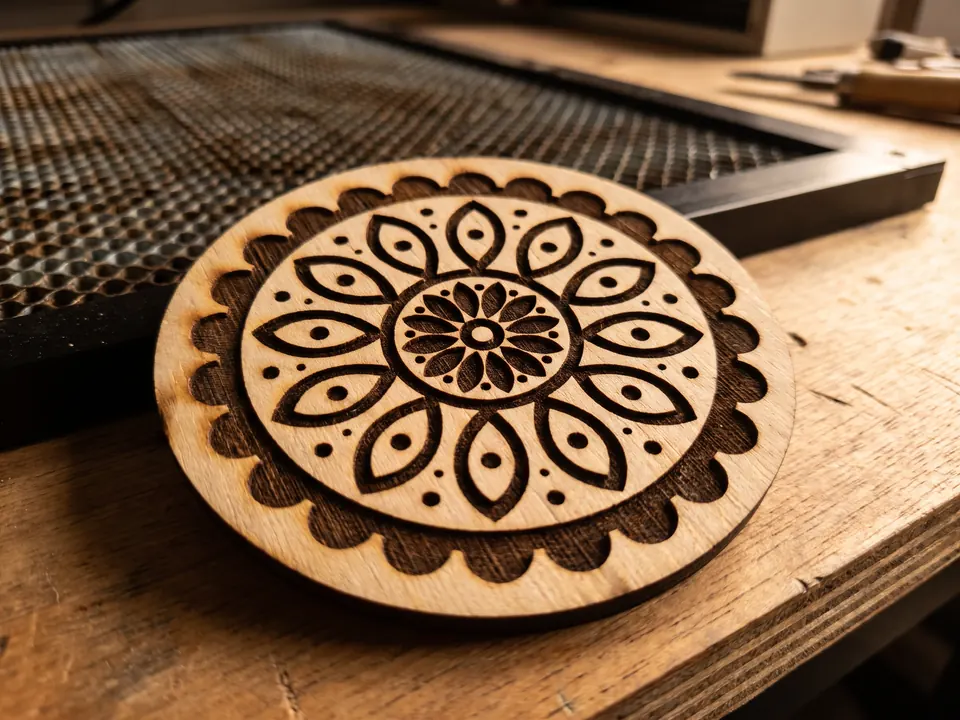
SVG for laser cutting
Convert a PNG or JPG into an SVG for LightBurn, xTool or Glowforge: closed outlines to cut, filled shapes to engrave, and a preview before you download.
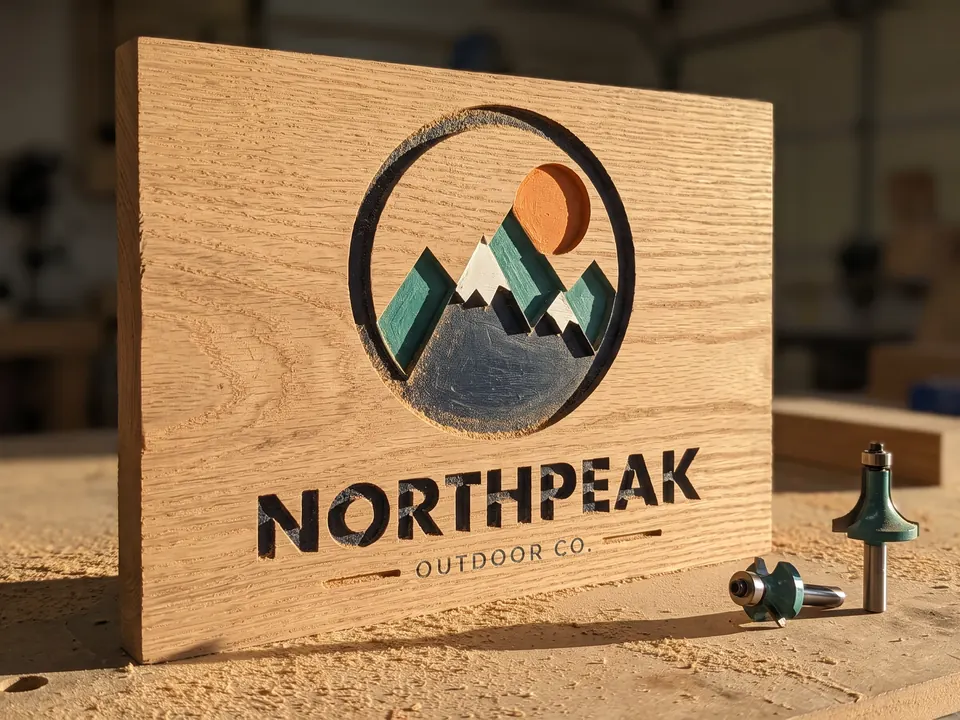
SVG for CNC
Convert a logo or drawing into clean closed vectors for Easel, Carbide Create or VCarve. Preview the outlines before you download the SVG.
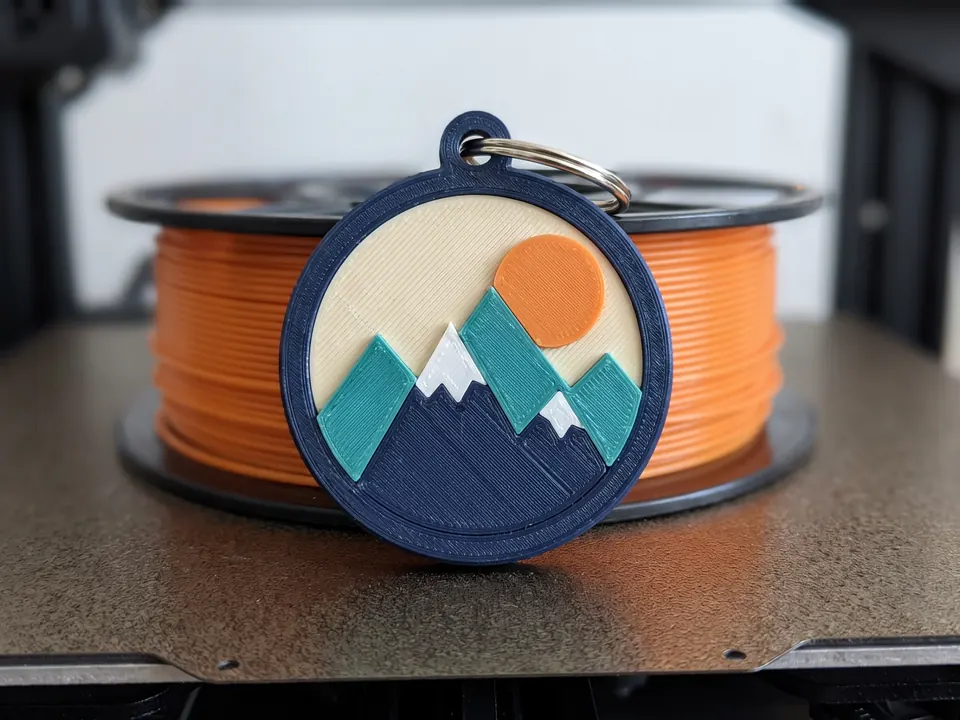
SVG for 3D printing
Convert a logo or drawing into an SVG you can extrude in Tinkercad, Fusion, Bambu Studio or PrusaSlicer. Clean closed outlines and a free preview.
Not sure which page fits?
Start with the converter. The preview shows what your image becomes before you decide what to make with it.
Upload an image